
Apple at Work
Mac is cheaper than you think.
Lower support costs, fewer tickets, longer device life. We deploy and manage Apple fleets for growing businesses. Zero-touch setup to ongoing security.
IRU · Jamf · Mosyle · Apple Business
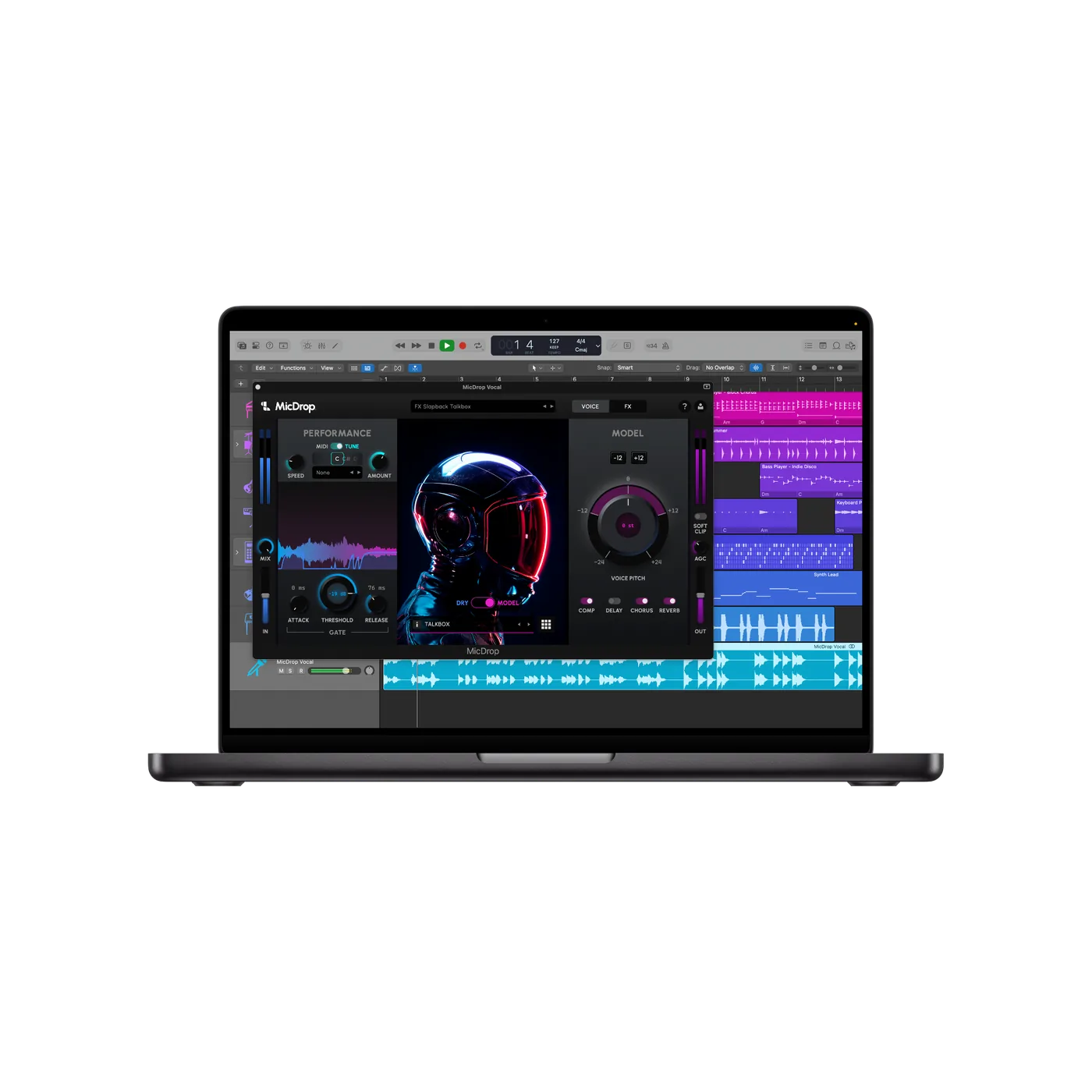


Platforms We Deploy


Before & After
What changes when you switch to Mac.
Six problems we see in every Windows-heavy company. Six fixes that come with managed Apple.
Talk to usLaptops dying after 2 years.
Aluminium. 5 years in business. 40% resale value.
IT spends half the day on updates.
Silent updates. No restarts. No SCCM.
New starter waits 2 days for a laptop.
Power on, sign in, done. 15 minutes.
Chargers everywhere.
All-day battery. One cable. USB-C.
Auditors ask for compliance proof.
One click. Framework mapped. Evidence exported.
Three separate security tools, three renewals.
One management platform. No rolling licence fees.
Mac is the start. Here is what it connects to.
A managed Apple fleet unlocks identity, compliance, licensing, and support improvements across your whole stack.

Device Management
MDM, zero-touch, complianceEvery Mac enrolled, encrypted, and compliant before it leaves the box. Policies enforced silently. Patching automated.
ExploreIAM and Access
Identity gates device accessSSO tied to device trust. Only compliant, enrolled Macs can access company apps. One login for everything.
ExploreManaged IT Services
Embedded support for Mac fleetsDedicated engineers who know your environment. Fewer tickets, faster fixes, proactive monitoring.
ExploreSaaS and Licensing
Apple Business procurementVolume purchasing through Apple Business. Licence waste spotted through MDM data. Renewals tracked and negotiated.
Explore600+
£600 · $843 saved per device per year
186%
3-year ROI
15
Minutes zero-touch setup
40%
Fewer tickets
How It Works
Four steps. Four weeks. Done.
From first conversation to fully managed fleet, faster than you expect.
Review.
We audit your current devices, accounts, and security posture. Weeks 1 to 2.
Deploy.
MDM configured, identity connected, policies set, zero-touch enabled. Weeks 2 to 4.
Enrol.
Existing Macs added to management without wiping. No disruption. Weeks 3 to 5.
Operate.
Monitoring, patching, ongoing support. You focus on your business. Continuous.
Apple Business gives you device registration, app purchasing, and basic management all in one place. For teams that need deeper policy enforcement, automation, and compliance reporting, we deploy a dedicated MDM like IRU, Jamf, or Mosyle. It depends on your requirements. We set up either.
In Practice
What this actually looks like.
Power on, sign in. Apps install. No tickets, no waiting.
A new hire arrives Monday. Their MacBook is already enrolled. They open the lid, sign in with company SSO, and everything installs in the background. Slack, email, security tools. All there. No IT ticket, no desk visit, no delay.
Old fleet out. New fleet in. Every device managed before it leaves the box.
Fifty new MacBooks arrive. Each one is pre-enrolled through Apple Business (formerly Apple Business Manager). Your team opens them, signs in, and they are ready. Old devices are wiped, recycled, or resold. No manual imaging, no weekend overtime.
Auditor calls. CIS benchmarks mapped. Evidence exported in seconds.
The auditor asks for proof of encryption, patching, and access controls. You open the MDM dashboard. One click. Framework compliance mapped. Evidence pack exported. Done before the call ends.
Pricing
Pricing, scoped to fit.
Fixed fees for deployment. Monthly for ongoing management.
Fleet Deployment
From £2,499 · $3,299
MDM configured, identity connected, zero-touch enabled. Every Mac managed and compliant from day one.
- Discovery and audit included
- MDM deployment and configuration (IRU, Jamf, Mosyle, or any)
- Apple Business setup
- Zero-touch enrolment
- Security baselines and encryption
- Handover documentation
Managed Fleet
Monthly
Ongoing management for your Apple fleet. Patching, monitoring, compliance, and support. We keep everything running.
- Everything in Fleet Deployment
- Automated patching and updates
- Compliance monitoring
- Self-service app catalogue
- Device lifecycle management
- Quarterly reviews
Advisory and Migration
From £999 · $1,299
Not ready for full deployment? We audit your environment, build the business case, and plan the migration.
- Current state audit
- TCO comparison (Mac vs Windows)
- Migration roadmap
- MDM platform recommendation
- Hardware sourcing guidance
- Stakeholder presentation pack
Fleet size and complexity drive pricing. We scope everything before quoting.
No Caveats
The honest answer to every concern.
Will my team struggle with Mac?
It takes about a week. We have switched hundreds of users, including people who had never touched a Mac. Once they adjust, they do not want to go back. And if there is an app that only runs on Windows, Parallels runs it in a window on the same Mac, so nobody needs a second laptop.
Can we keep some Windows machines?
Yes. We manage mixed fleets every day. Mac and Windows sit side by side, same policies, same dashboard. You do not need to switch everything at once.
Do you sell hardware?
We can source hardware through Apple Business or recommend leasing partners. We focus on deployment and management, not hardware resale.
What about our existing apps?
Microsoft 365, Google Workspace, Salesforce, Slack, Zoom, and Adobe all run natively on Mac. Most business tools are browser-based anyway, so they work on any device.
Twenty minutes. We will show you what Mac actually costs.
Tell us about your current fleet. We will build a side-by-side cost comparison and tell you exactly what the switch looks like.
FAQ
Apple at Work Questions
Quick answers to the things people ask most about switching to Mac.
How much does it cost to switch to Mac?
Can we keep some Windows machines?
But I am used to Windows. Will my team struggle?
How long does a Mac deployment take?
Do you sell hardware?
What about our existing apps?
For a more technical read
Device Management and Security
MDM deployment, zero-touch, endpoint security, and compliance baselines.
Read more ServiceIAM and Access Management
SSO, MFA, conditional access, and identity lifecycle.
Read more ServiceSaaS, Licensing and Vendor Control
Procurement, optimisation, renewals, and vendor negotiation.
Read more